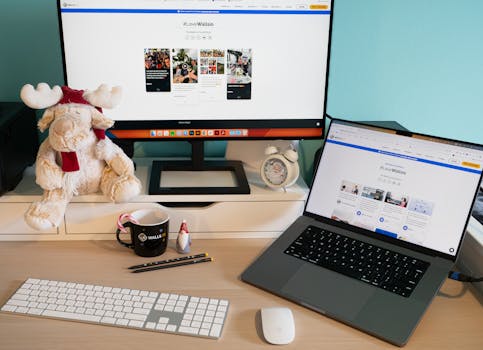
Setting Up a Hassle-Free Digital Workspace Right at Home
The Right Layout Makes Daily Tasks Smoother
Structured Routines Build Habit and Results
Equipment
Use Case
Cost Range
First Step
Laptop
General freelance, writing, admin
$200–$900
Pick one with at least 4GB RAM
Headset
Calls, customer service
$20–$60
Buy with noise-canceling features
Mouse
Design, editing
$10–$40
Choose ergonomic shape
External Monitor
Multi-tasking, coding
$70–$200
Check your laptop’s port compatibility
Standing Desk
Health, long sessions
$80–$300
Test height for comfort before buying
Picking Your First Digital Job: Match Your Personality and Skills
Compare Popular Entry-Level Digital Roles
Identify Skills Gaps and Bridge Them Fast
Turning Simple Daily Skills Into Marketable Online Work
Scenario: Transform Household Organization Into Remote Income
Action Sequence: Building an Entry-Level Online Service
Finding Real Work: Safety Rules and Scam-Spotting for Beginners
Checklist: Safe Steps for Every Online Applicant
Increasing Your Income: Part-Time Gigs to Full-Time Digital Roles
Scenario: Scaling Side Work With a Weekly Review
Essential Digital Tools Every Beginner Should Use
Tool Name
Main Use
Best For
Takeaway
Google Docs
Editing documents
Writers, admins
Review templates and autosave work automatically
Trello
Task tracking
Project management
Practice setting up to-do boards for new projects
Canva
Simple design
Marketing, content
Use premade templates for client graphics
Zoom
Video calls
Meetings, training
Test audio-video setup before first interview
Dropbox
Cloud file sharing
Shared projects
Download the mobile app for quick file updates
Getting Started: Your First Steps to a Rewarding Digital Career